
Home Screen

Once you have successfully installed the app via the AppStore, the app is located on the home screen. You can start the app directly from here. After a short time to load the app, you will see the start page of the app.

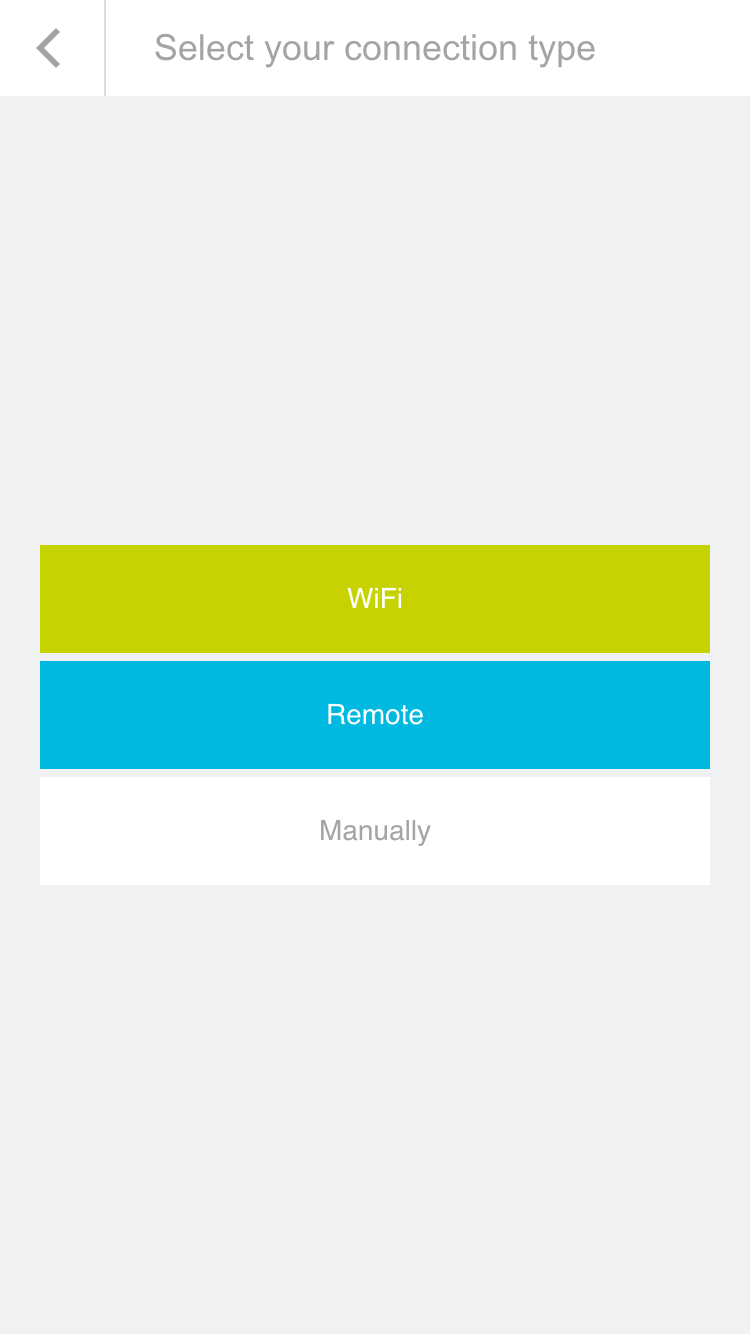
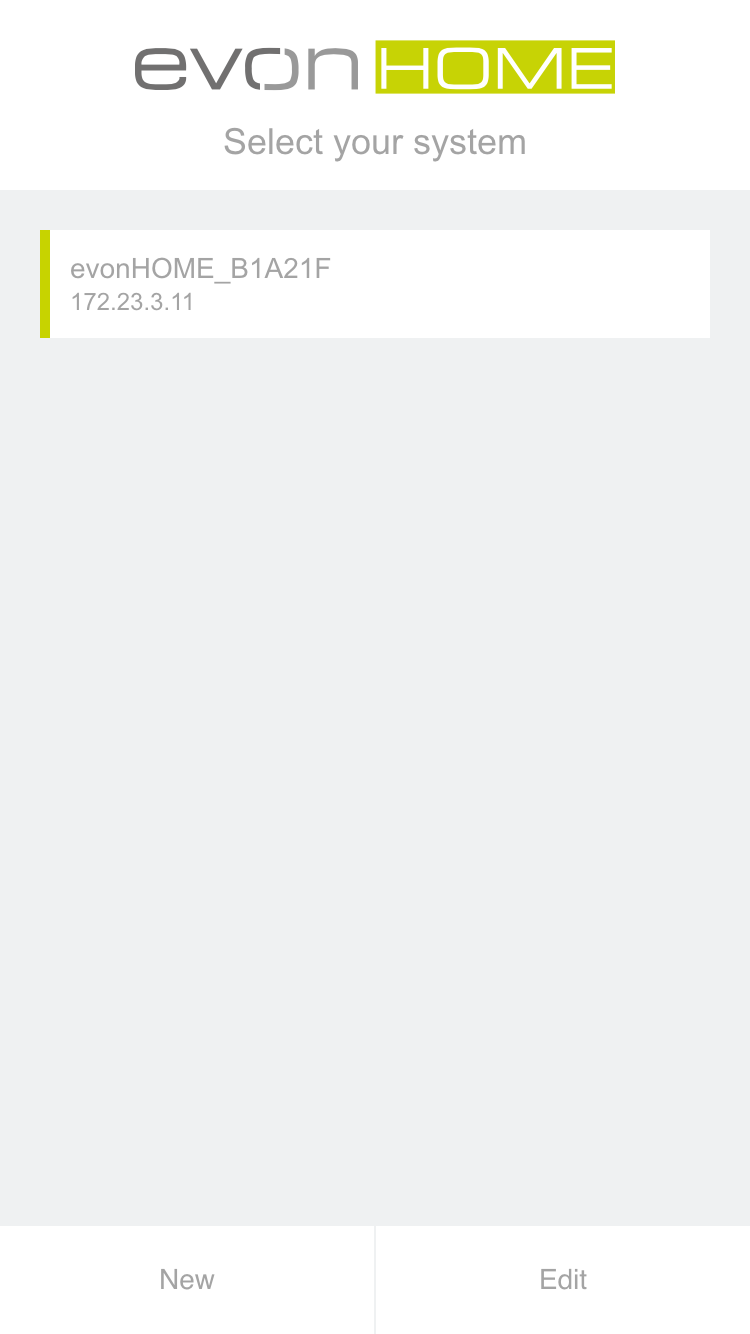
From here, search for the available evon Smart Home systems. The selection is either a connection via a local Wi-Fi/WLAN or the internet (e.g. mobile network provider via a secure HTTPS connection).

If you are configuring evon Smart Home for the first time, select “Wi-Fi” in order to search for your system via the local WLAN.
Login

After selecting the evon Smart Home system, you will find yourself on the login page.

Enter your username and password. You can also determine whether you wish in future to login automatically with your login data.

To make it easier for you to login to your evon Smart Home on your first configuration, there is also the option to do this by using a QR-code. Use the green button on the top right corner of the login screen to use this feature.

Point the camera at the QR-code, which you will find in your enclosed documents, and position it at the center of the marked area. once the QR-code ist successfully recognized, the associated login field will be filled in.

You have now successfully connected to your evon Smart Home system and can start to control your home.

To connect for the first time, use the username and password or QR-code provided for you in the enclosed documents.