
Select
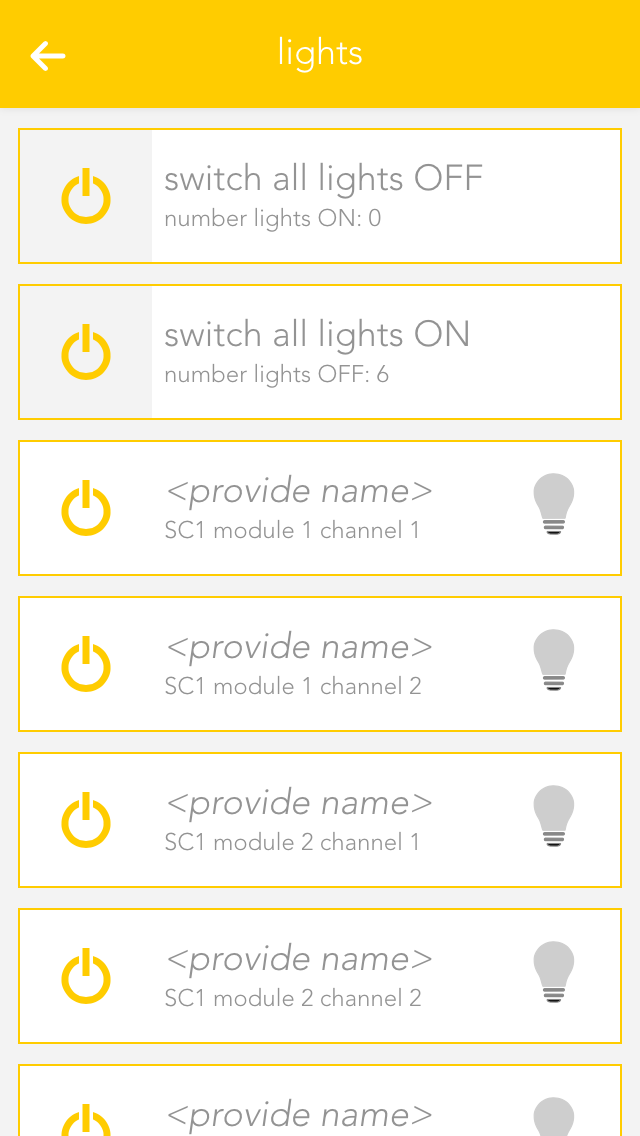
Open "Lights", "Blinds", or "Room Climate", depending on which elements are to be configured.
The app displays a list of central functions followed by the individual elements. These elements correspond to the channels of the Smart Building Automation modules. Further information about the central functions can be found in the corresponding documentation.
Select the area displaying the name and room, in this example "no name" and "no room", to open the settings for the corresponding element.