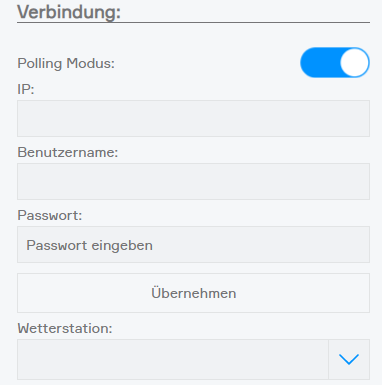
Weather Station
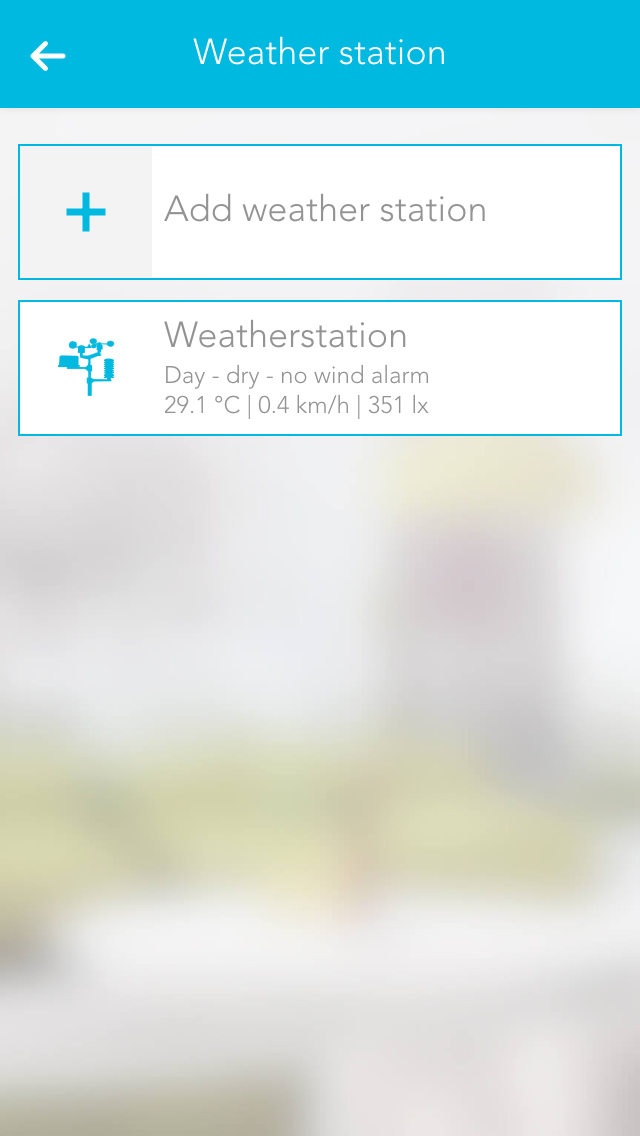
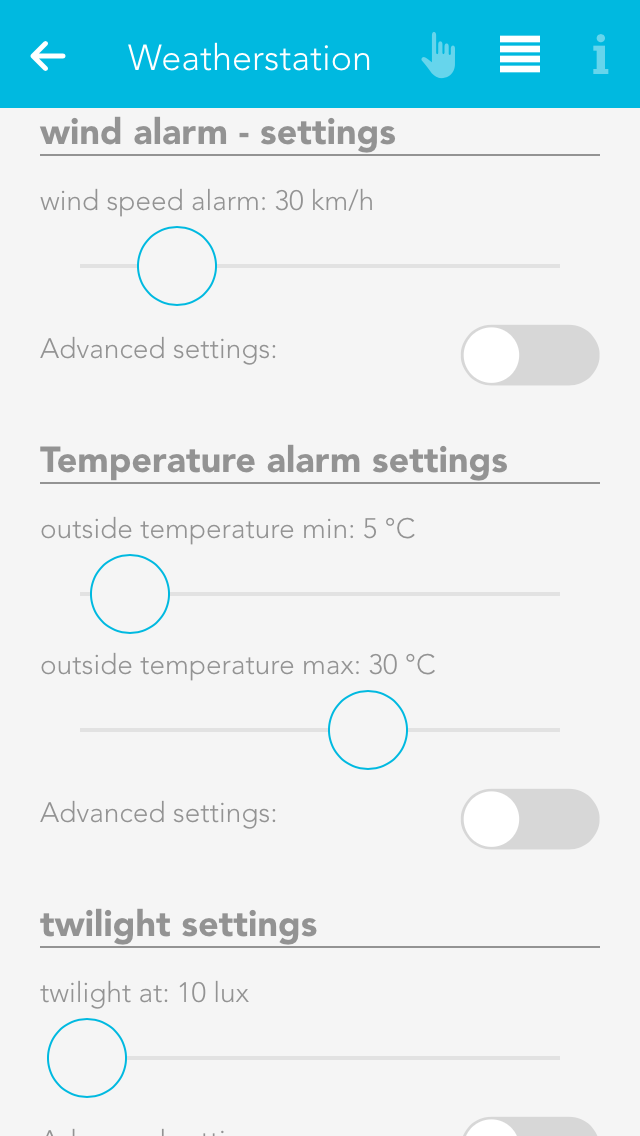
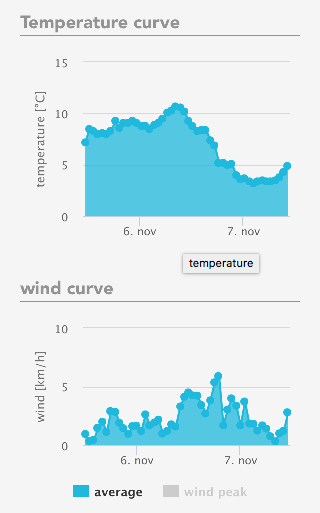
The Schrack Smart Building Automation weather station is a simple way to receive local weather data and use it in your Schrack Smart Building Automation system.
The app "weather station" is located under "all apps" – "weather station".
In order to use this weather station, open the global settings, found in "all apps" – "settings" – "global settings" and drag the weather station to the first position for wind, rain, outside temperature and daylight (it is also possible to only use the weather station for wind).