Areas

The "Areas" app allows you to organize the Smart Building Automation system into rooms and assign elements such as lights and blinds to them. This makes it easier to find and access the individual elements.

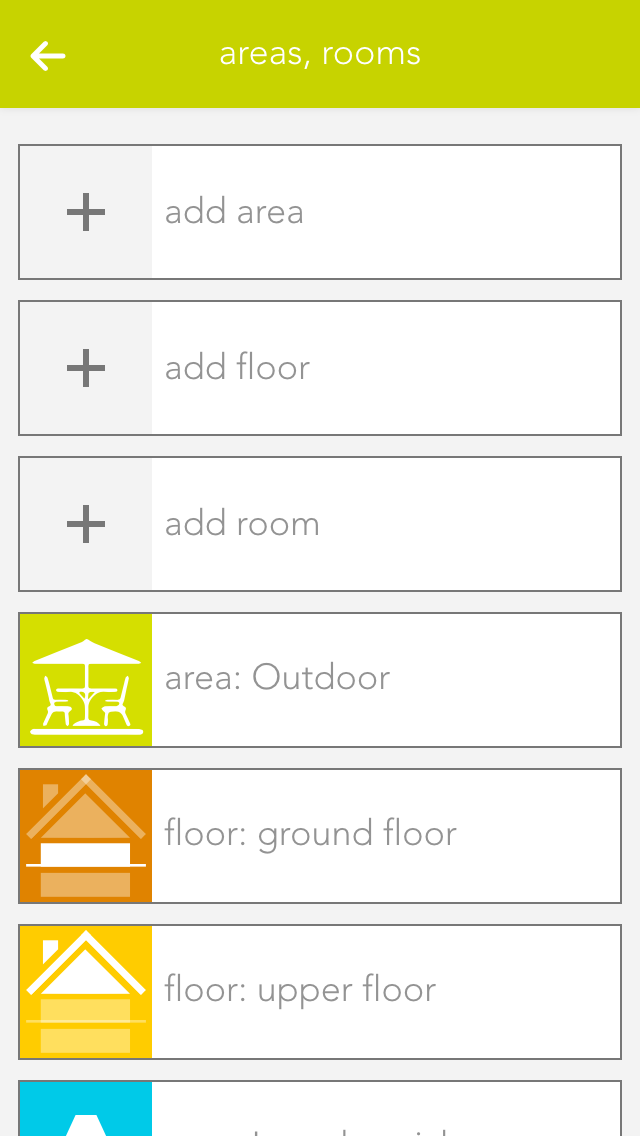
Previously defined rooms are displayed on the home screen as long as they contain elements. To manage rooms, open "Settings" and select "Areas, Rooms".

Create

To add rooms, areas, or floors to the Smart Building Automation system, select the corresponding option (e.g. "Add room"). The OperatorPanel of the newly created element opens automatically.

Enter a name and an abbreviation for the room. To assign the new room to a floor, select the corresponding floor. To move the element back to the highest level, select the empty entry under "Areas, floors".

Alternatively, navigate to a floor first and add the room directly there.

Settings

If you wish to personalize your rooms, you can select colour, icon and background picture for your room. Do this by opening the operator panel for the room via in “settings” – “areas, rooms” and select the element under “settings” and modify it.

Open the area via the button “edit” and view the elements for this area. If you want a shortcut to an area, simply click on the area of the symbol in the object panel (left).

You can also link each room with a room thermostat. Do this by allocating an element to this room in the app room climate. If you have allocated more than one room thermostat to a room, you can use the parameter panel of the room to select the room thermostat you wish to use for the room temperature display.

Erweiterte Einstellungen

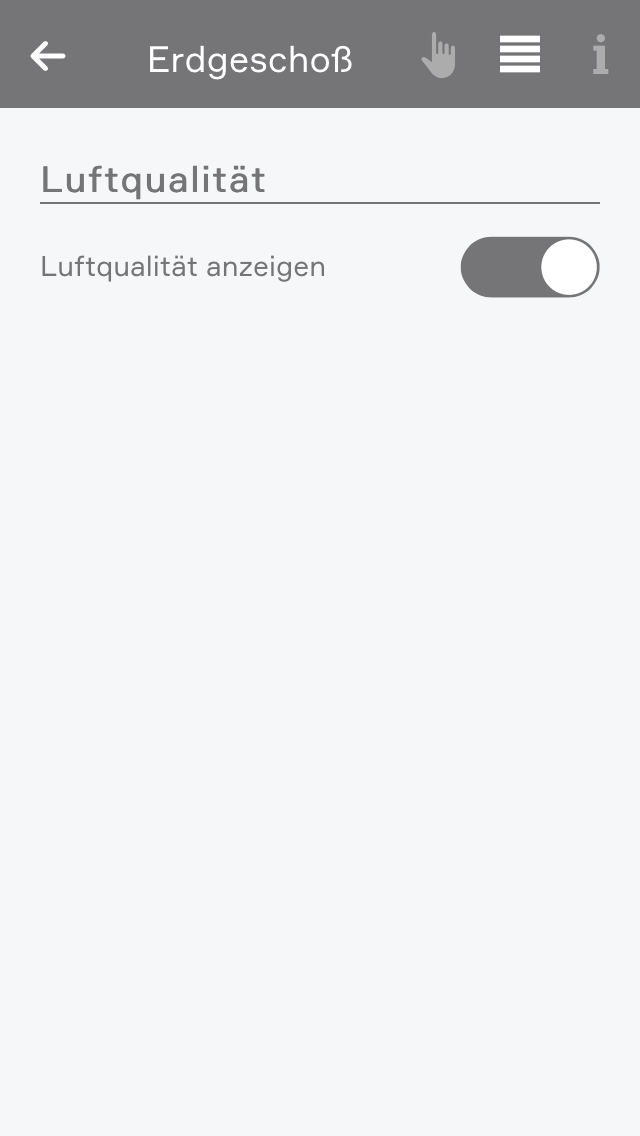
In den erweiterten Einstellungen können Sie angeben welche Elemente zur Berechnung und Anzeige des Raumklimas verwendet werden sollen. Außerdem können Sie hier das Raumklima des Raumes ausblenden.

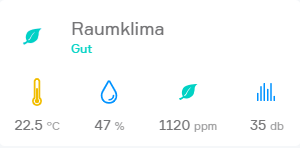
Wenn Temperatur-, CO2-, Feuchtigkeits- oder Geräuschsensoren dem Raum zugewiesen wurden, wird im Raum das Raumklima angezeigt.

Je nach Zustand des Raumes wird hier ein Gesundheitswert berechnet welcher von "Hervorragend" bis "Sehr schlecht" reicht. Wenn sich der Zustand des Raumes verschlechtert bekommen Sie eine Benachrichtigung über den verschlechterten Zustand.

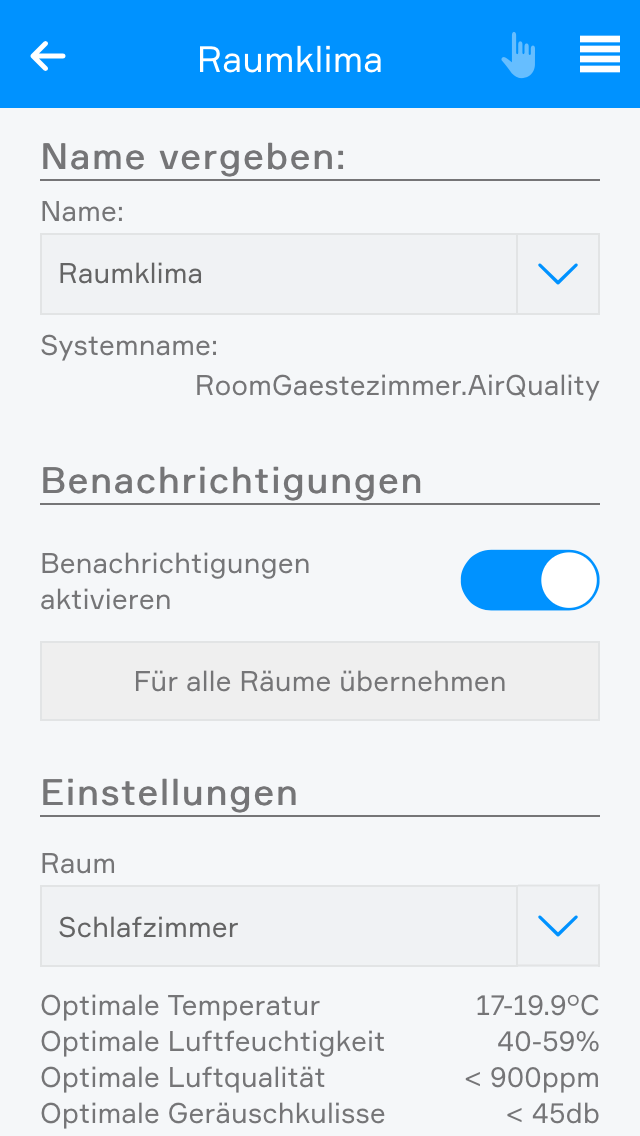
In den Einstellungen des Raumklimas können Sie die Benachrichtigungen deaktivieren.

Außerdem können Sie hier die optimalen Grenzwerte des Raumes anpassen.