
Create
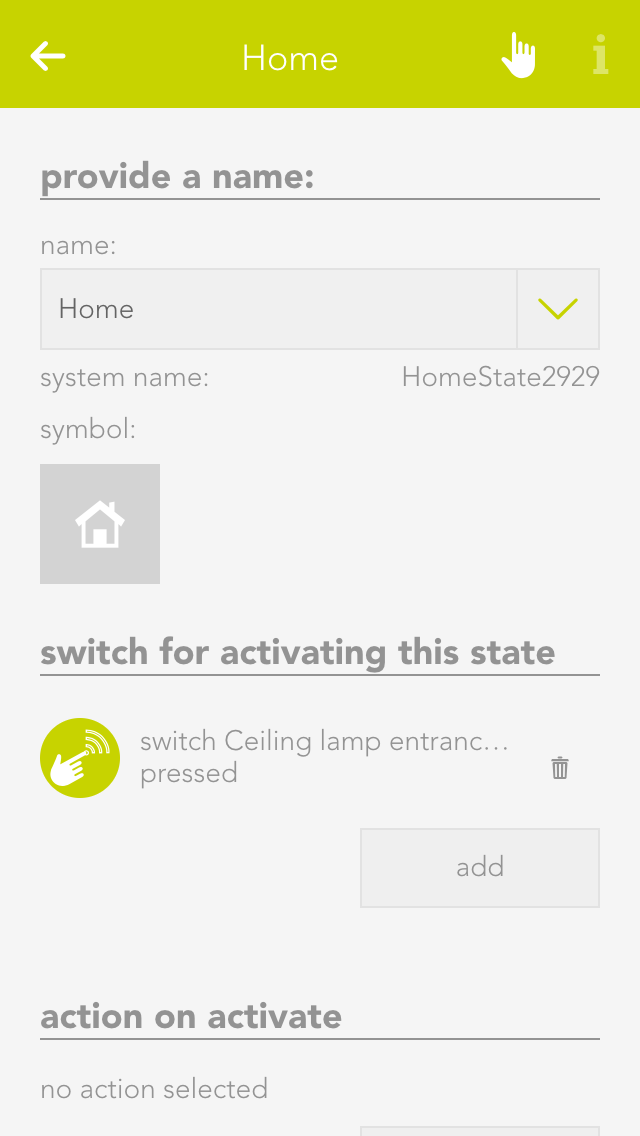
A new building status can easily be added by selecting “create status”. The operator panel then opens, where a name for the building status can be defined. Once a name has been assigned, the configuration can be continued (described below).
Each building status can be assigned a name and an icon. These are displayed in the Smart Building Automation System.