
Create
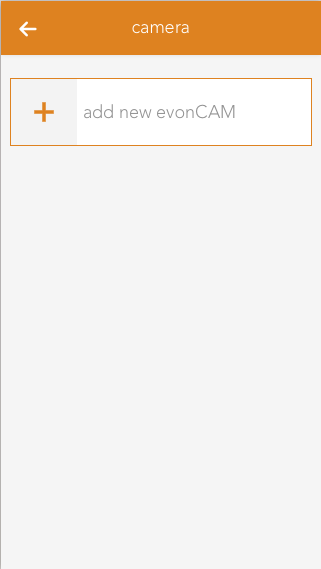
In order to create a camera, click on the box “add new SchrackCAM” inside the app.
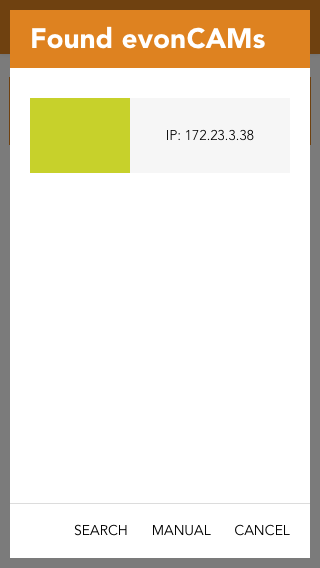
All found SchrackCAMs including a preview image will now be listed in the popup which appears. Once a camera shows up on this list you can select it and it will be added to your system and is ready to be used.
If the camera is not found within network, the search can be restarted or the camera can be configured manually. For manual configuration, a camera is added to the system and the required settings (IP address, username, and password) must be entered.