Elements

If a Fronius system is integrated, all installed elements of the PV system that are supported by the Smart Building Automation System are displayed.
Additionally, the dashboard of the "Fronius" app can be extended with additional panels.
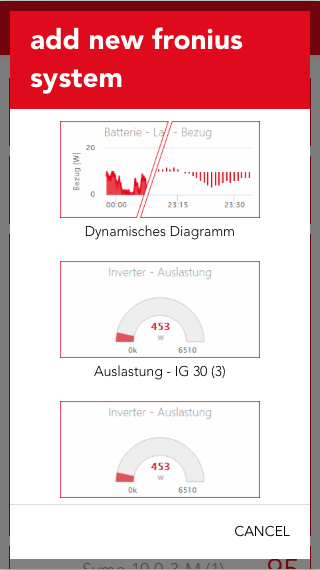
Once a PV system has been integrated, additional panels can be added using the 'add' button.

The available panels include 'My Fronius', which provides an overview of the current energy flow in the system, as well as "Efficiency" (of the inverter), “Energy“, "Supply" and "Phase Distribution".
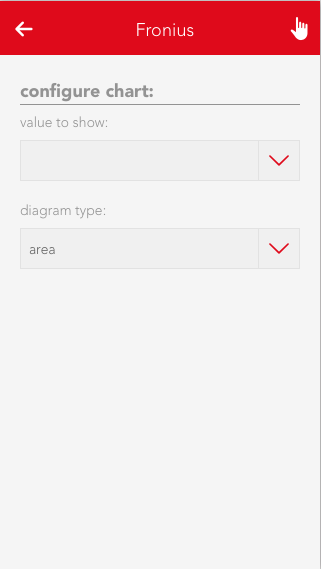
A dynamic diagram is also available and can be configured as required. Different values and diagram types can be selected.

All panels can be added to the home screen by selecting them with a long click/press.

Inverter

Operation
The most important values are displayed in the first part of the detail view (Operator Panel).

Additionally, the utilization and energy values for year, month and week will be shown in a diagram.

Configuration
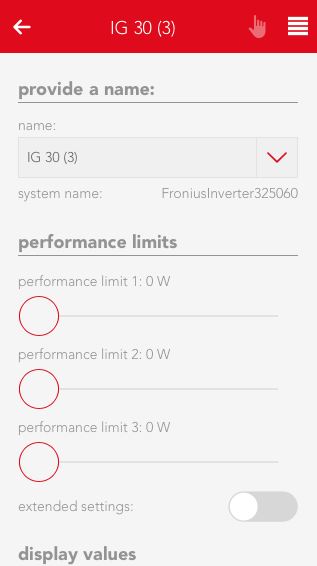
The second part of the detail view (Parameter Panel) allows you to view detailed values and and adjust limits. Three power limits can be set which will trigger an event once exceeded or below the set value.

Detail values
Lists values which can be used by an inverter in the system.

Scenes
The inverter offers an event for the power limits 1,2 and 3 in case they are exceeded (above/below).

Smart Meter

Operation
The operator panel of the Smart Meter displays the current feed-in/supply to or from the power grid and presents them in an area diagram.

Configuration
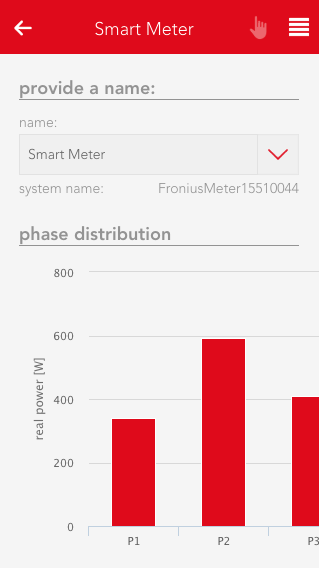
The parameter panel displays the phase distribution in a bar chart and allows you to adjust feed-in/supply limits for he power grid, which will throw an event once exceed (below/above). In addition, all detail values of the Smart Meter are displayed.

Detail values
Shows values which can be used by a Smart Meter in the system.

Scenes
The Smart Meter offers events for feed-in/supply to or from the power grid in case they are exceeded (above/below).

Battery

Operation
The operator panel displays the current charging/discharging rate (in watt) and the current battery power level.

Configuration
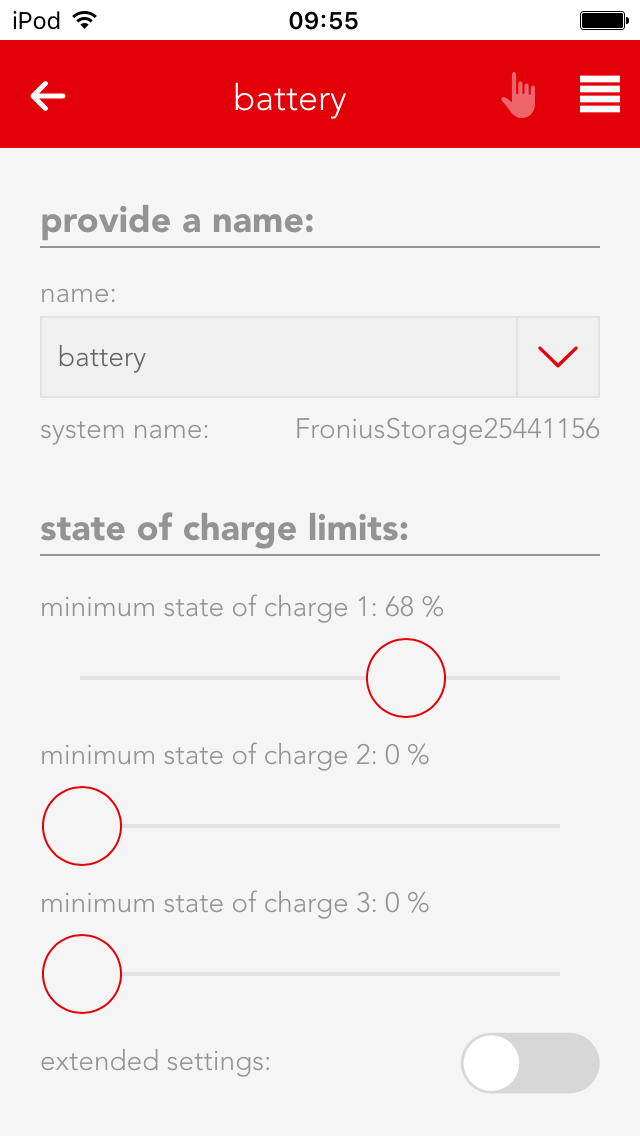
The parameter panel allows you to adjust the minimum charging level, which will trigger an event in case it is exceed (above/below), and to view the detail values of the battery.

Detail values
Shows values which can be used by a battery in the system.

Scenes
The battery offers events for exceeding (above/below) the minimum charging limit.