External Access

External access allows you to connect to your Smart Building Automation system when you are away from home. Once this function has been activated, you can access and operate your system from anywhere with an internet connection, just as you would at home.

The configuration for external access can be found under "All Apps" – "Settings".
Configuration

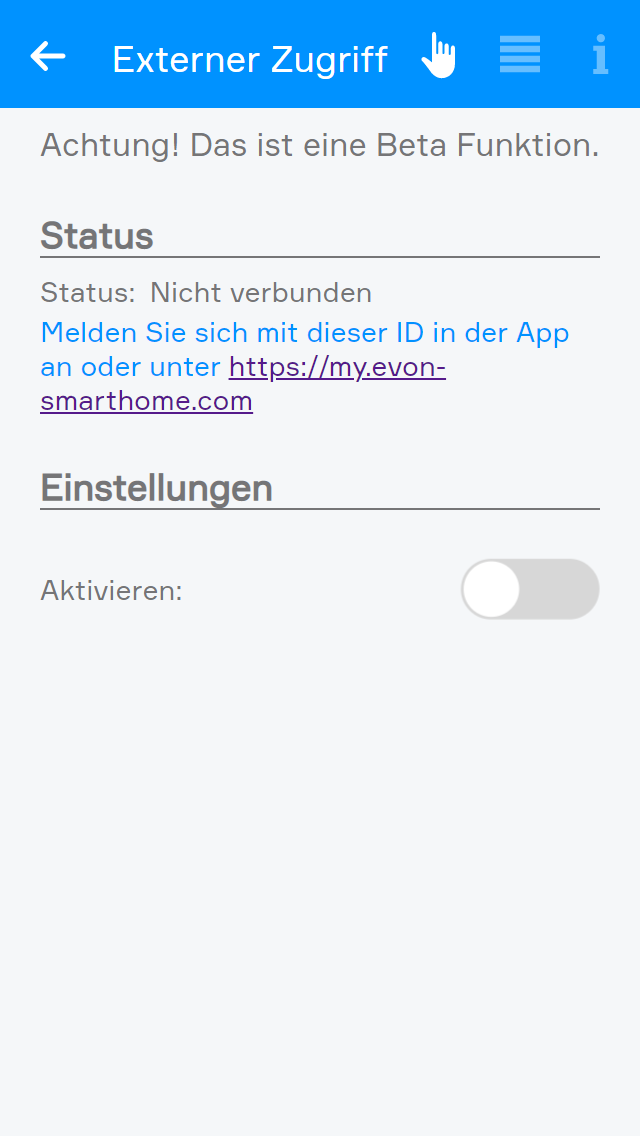
Enable external access in the settings by activating the corresponding option.

Once external access has been enabled, the displayed status changes from "Not connected" to "Connected" and the Smart Building Automation ID is displayed. This ID is required to connect to the Smart Building Automation system via external access. Make a note of the ID, as it is required in the next step.

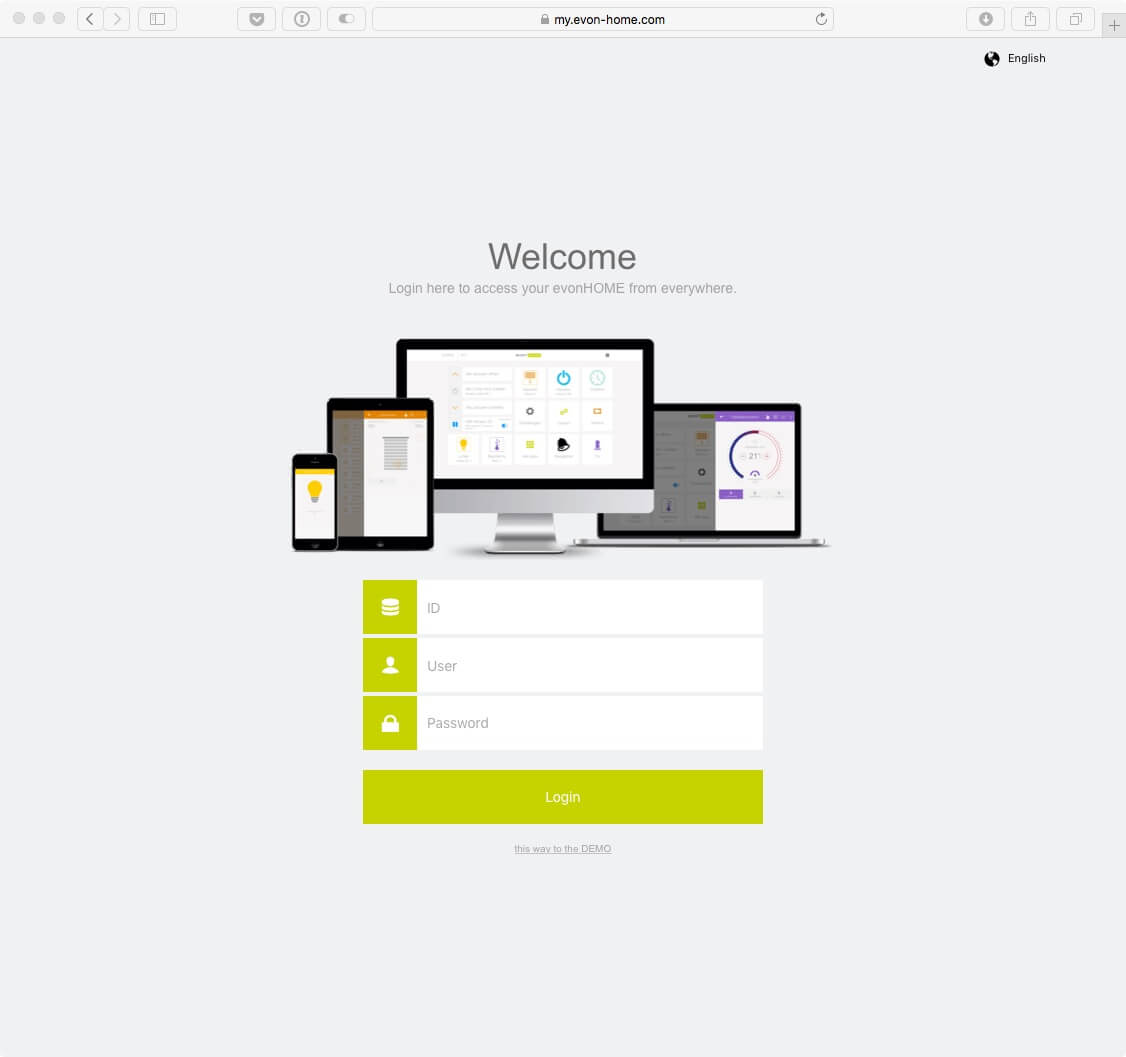
The Smart Building Automation ID can also be used to access the system from a supported web browser via my.evon-home.com.

Logout

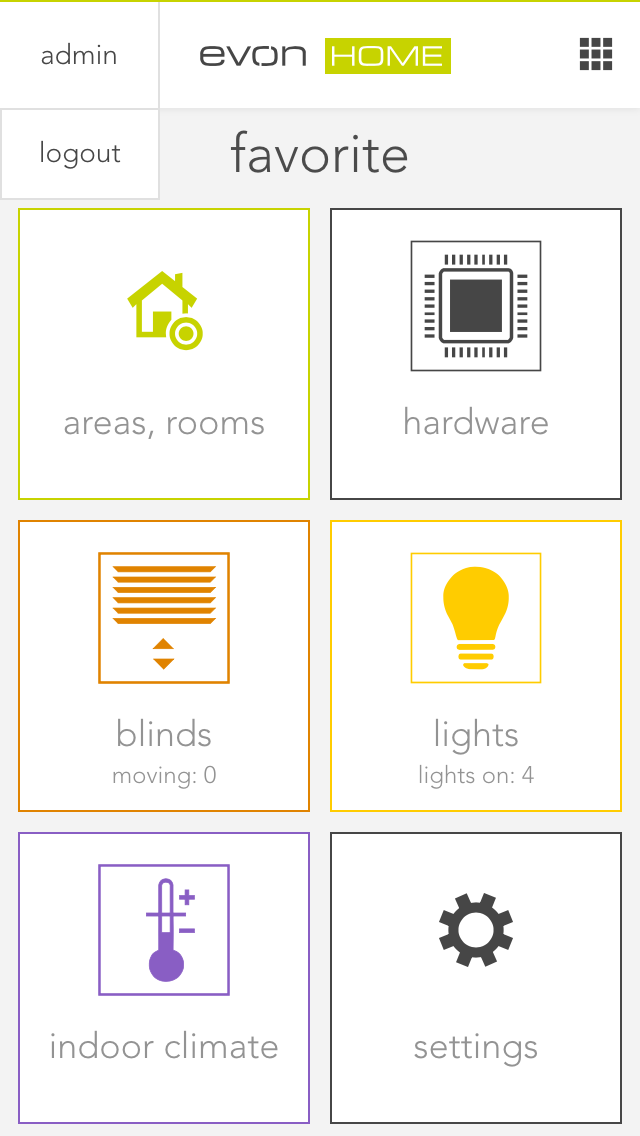
Return to the main screen. The currently logged-in username is displayed in the upper-left corner. Select the username to display the logout button, then use this button to log out.

After logging out, the start screen of the Smart Building Automation app is displayed, showing a list of all previously connected systems.

Connect

Select "New" to create a new connection. An overview of the available connection types is then displayed.

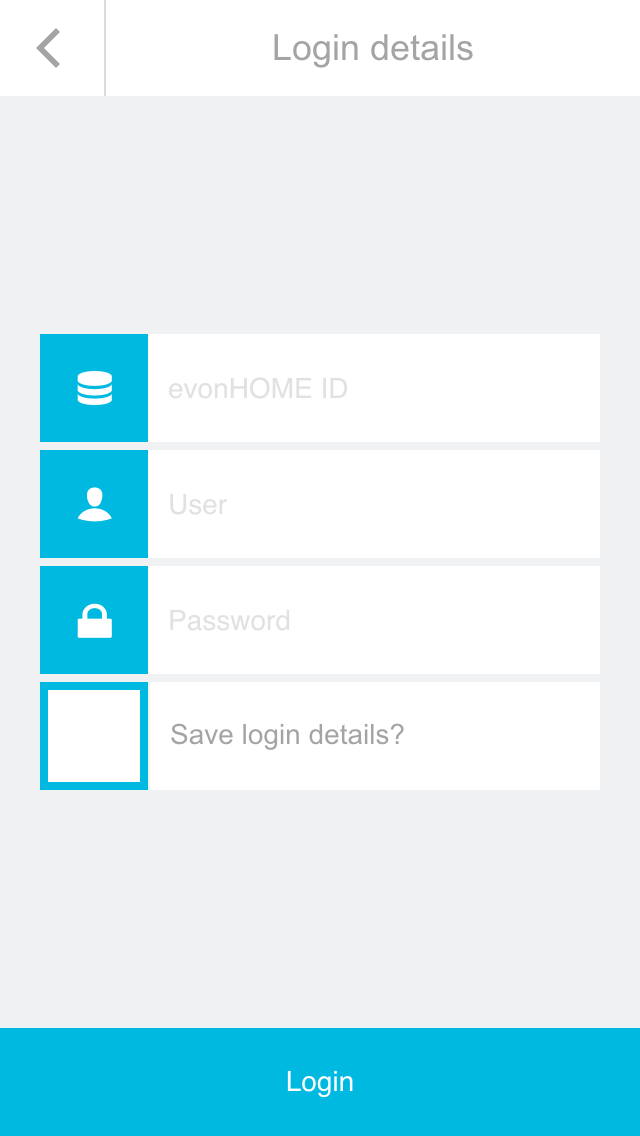
Select "Internet" as the connection type. On the next screen, enter the Smart Building Automation ID together with your username and password. Then use the button at the bottom of the screen to establish the connection.

Once the connection to the Smart Building Automation system via external access has been established successfully, it is displayed on the start page of the app. From there, the connection can be selected again at any time.

Establishing the first external connection to the Smart Building Automation system may take some time. Once the connection has been established, wait until all data has been loaded before closing the app.

Browser

Once external access has been activated, the Smart Building Automation system can be accessed from any supported browser (Safari, Chrome, or Edge).

Open my.evon-home.com and log in with your credentials. In addition to the username and password, the Smart Building Automation ID generated when external access was activated is required.

When accessing the Smart Building Automation system via a supported browser, some device-specific functions of the mobile app may not be available. These include native notifications, which can also be displayed when the app is not currently in use.