Interface
The visualization provides access to all system functions and enables the configuration of the required settings. The following section describes the basic concepts of operation and configuration.

The visualization provides access to all system functions and enables the configuration of the required settings. The following section describes the basic concepts of operation and configuration.
Die zwei wesentlichen Bestandteile des Startbildschirms sind:
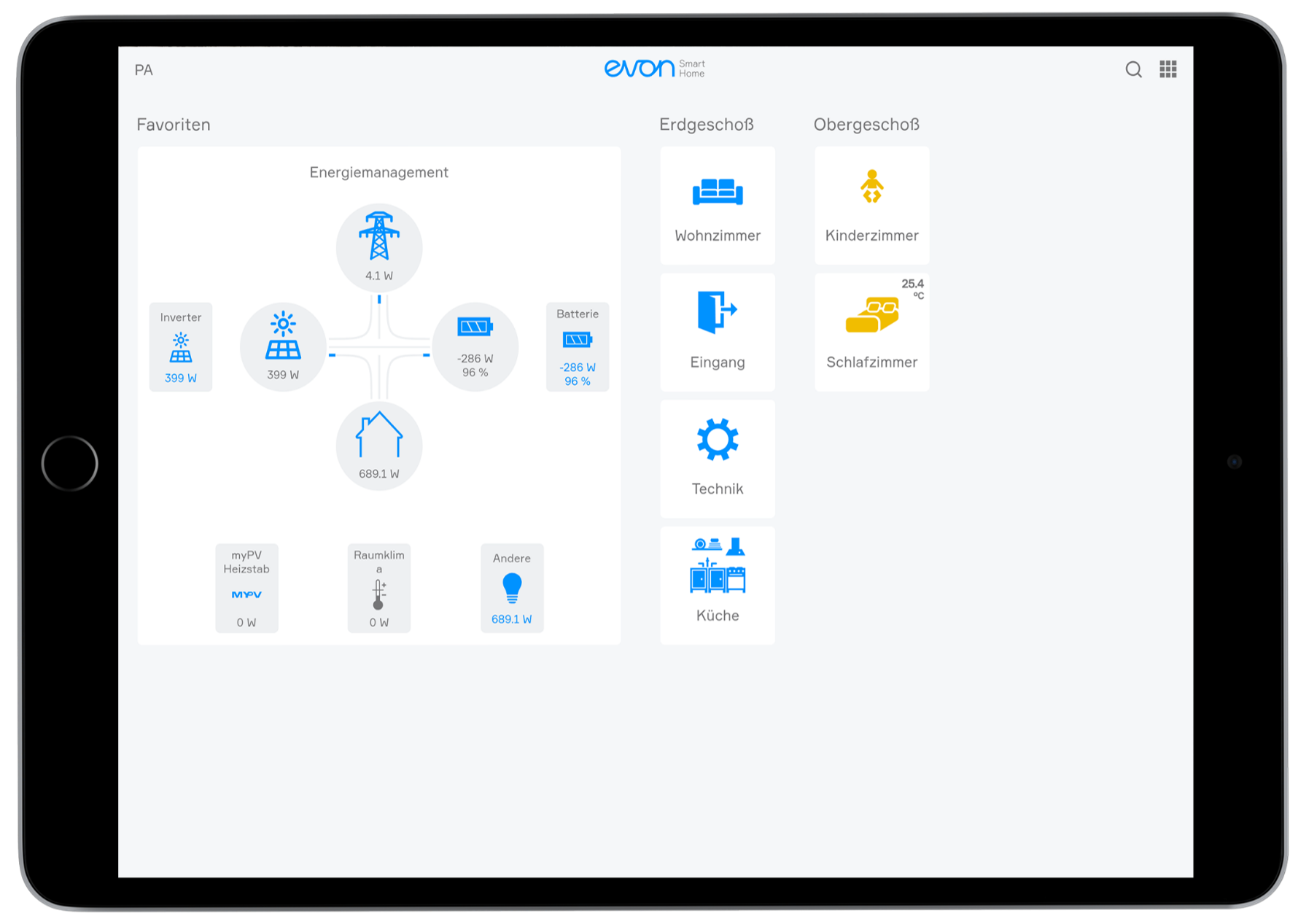
Darüber hinaus bietet der Startbildschirm direkten Zugang zu den Funktionen: Benutzer - Suche - Alle Apps - Meldungen
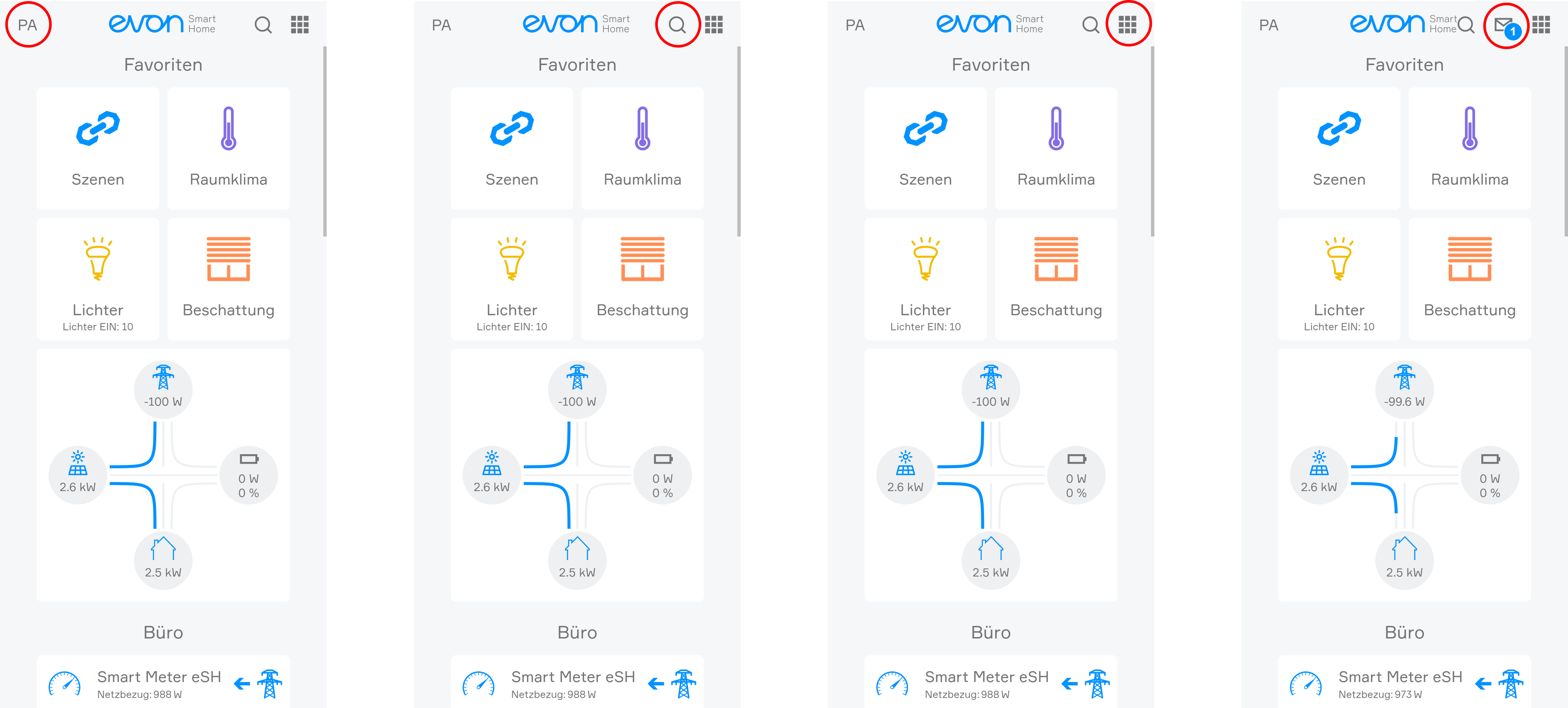
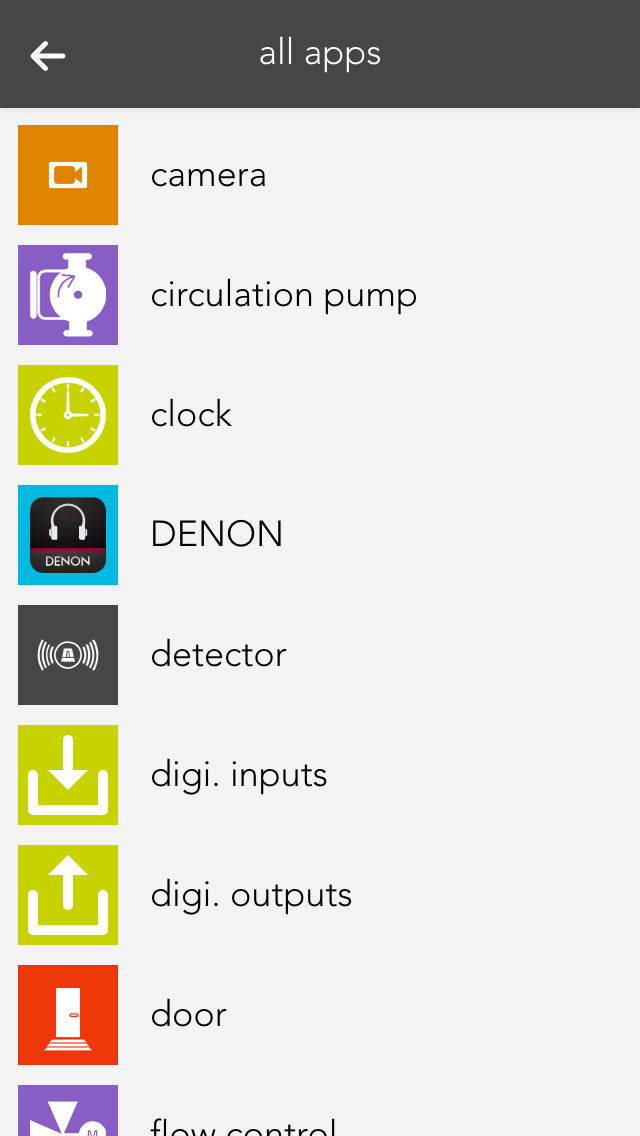
A single click on the symbol (top right) opens all apps. This shows you all available apps. If you don’t want “all apps” open all the time, you can put frequently used apps into your favourites, as follows.