
Create
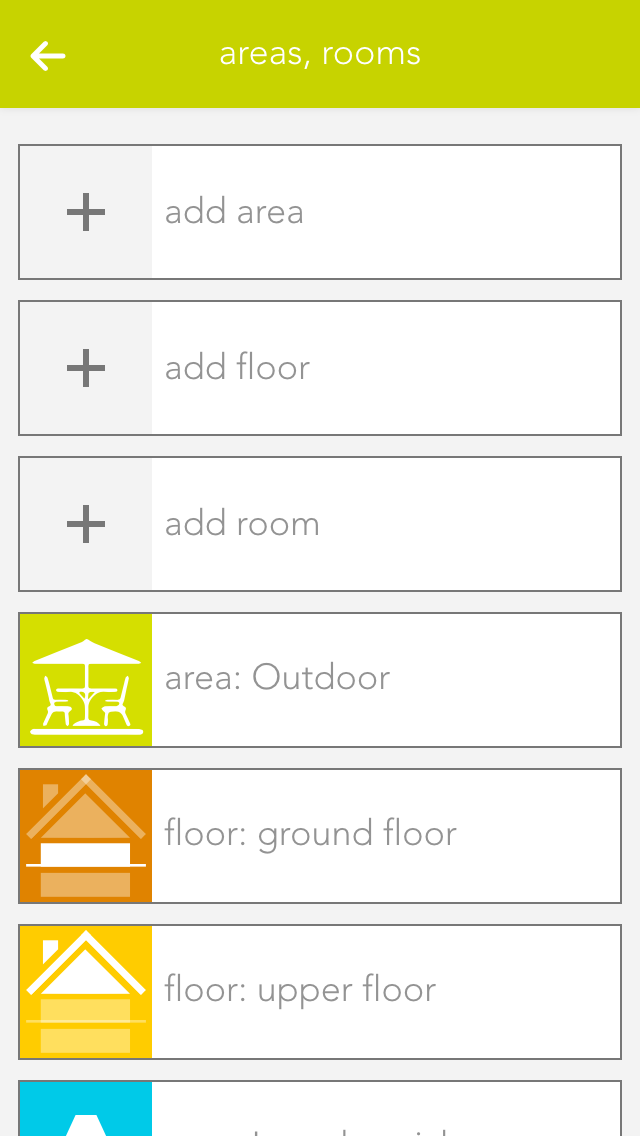
To add rooms, areas, or floors to the Smart Building Automation system, select the corresponding option (e.g. "Add room"). The OperatorPanel of the newly created element opens automatically.
Enter a name and an abbreviation for the room. To assign the new room to a floor, select the corresponding floor. To move the element back to the highest level, select the empty entry under "Areas, floors".
Alternatively, navigate to a floor first and add the room directly there.