
Configuration
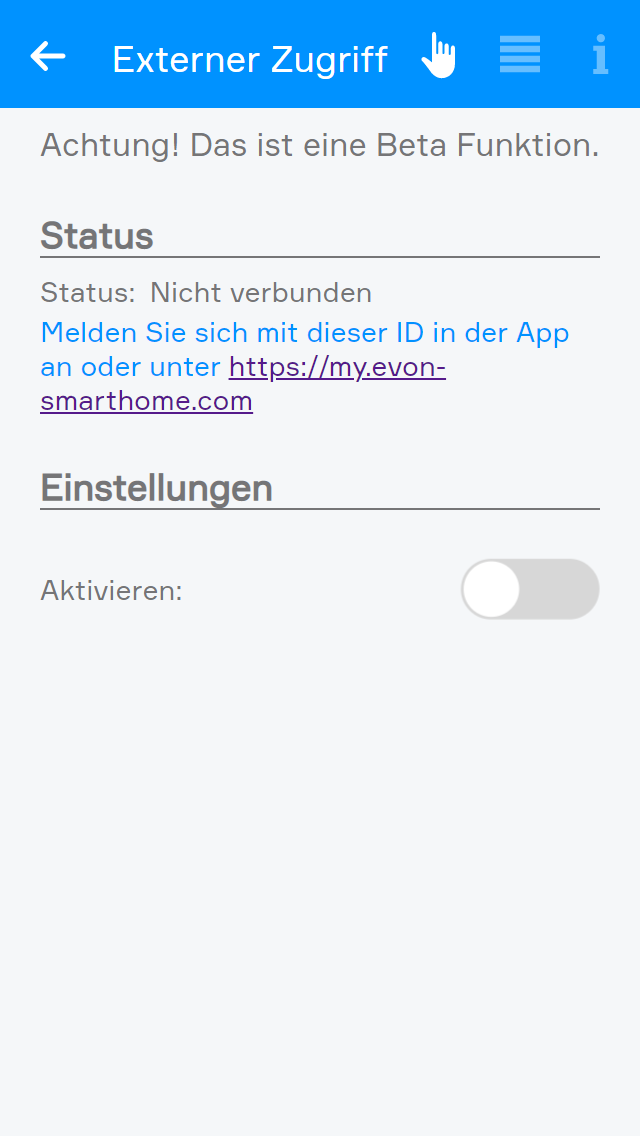
Enable external access in the settings by activating the corresponding option.
Once external access has been enabled, the displayed status changes from "Not connected" to "Connected" and the Smart Building Automation ID is displayed. This ID is required to connect to the Smart Building Automation system via external access. Make a note of the ID, as it is required in the next step.
The Smart Building Automation ID can also be used to access the system from a supported web browser via my.evon-home.com.