User

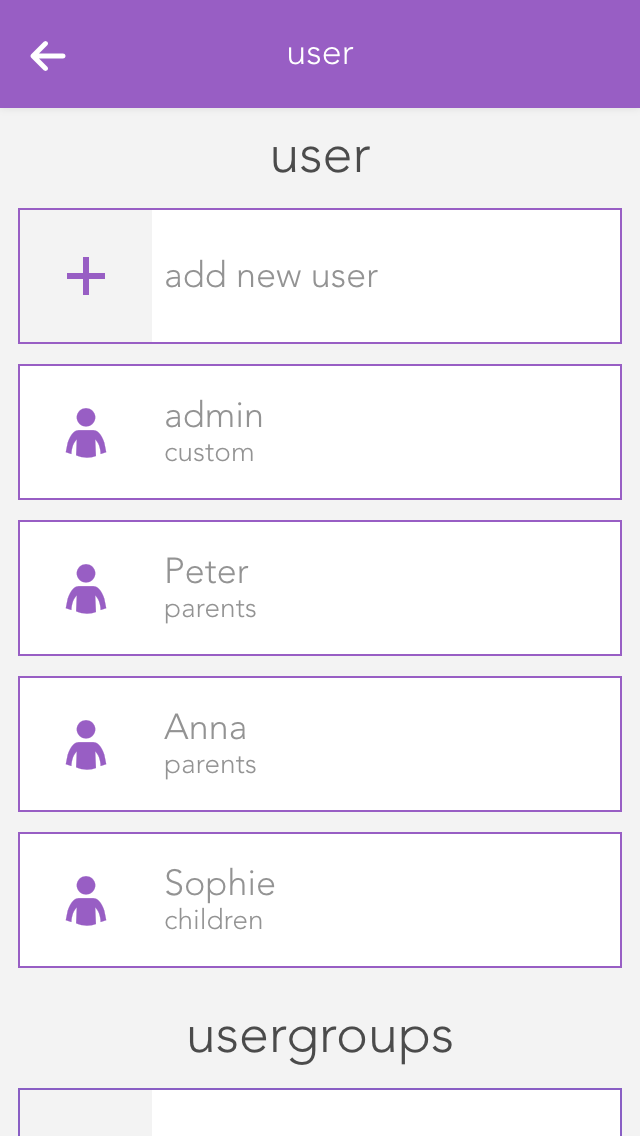
Users allow you to define individual access and permissions within the Smart Building Automation system.

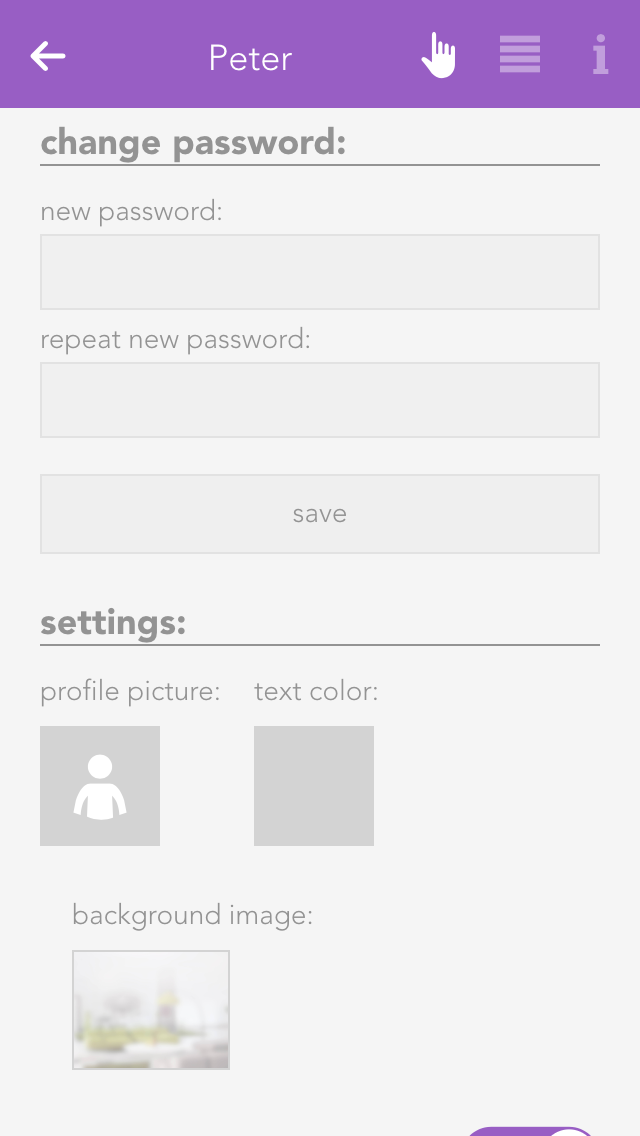
Here you can add a new user or configure an existing one. To create a new user, select "Add user". A panel opens where you can enter the username and an optional description. Set a password for the user to allow login with the corresponding username.

Settings

Profile picture
The profile picture to be displayed for this user.

Background picture and text colour
You change the background of your visualization as you wish. The text colour selects the colour of titles such as “favourites” on the home screen so that they are readable, even with other background pictures.

Show areas on the home screen
This setting lets you define whether areas will be displayed on this user’s home screen.

Own favourites
If you activate the option “own favourites”, you can customize the favourites on your own home screen without these changes being visible to other users. If this option is deactivated, then your favourites are shared with other users and any changes will be visible to all users.

Language
This lets you change the language for this user. To change the language of the current user, click on “load new language settings”.

Permissions

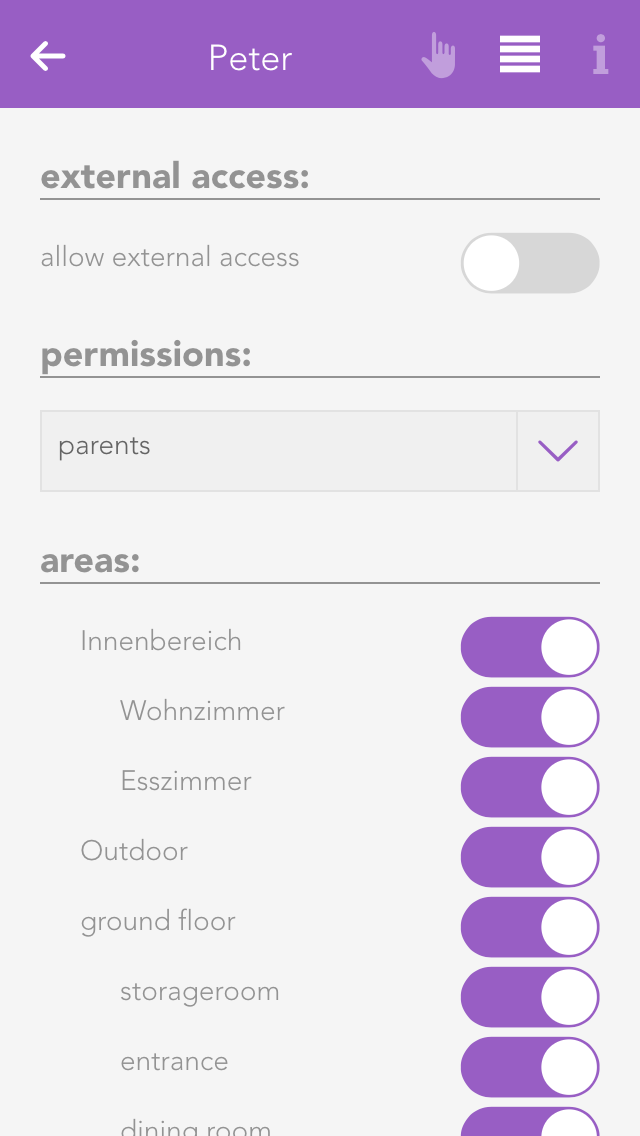
Allow external access
This option defines whether the user is allowed to connect to the Smart Building Automation system via external access.

Permissions
Here you can assign permissions to the user. To define permissions independently of a user group, select "User defined". The individual permissions are described further below. If the user should not have any permissions, select "No permissions".

Areas
In the "Areas" section, you can define which areas the user is allowed to access. If the user is assigned to a user group, the permissions for these areas are already defined by the group and can only be restricted further for the individual user.

Some changes cannot be made to the user currently used to log in. For example, administrator permissions cannot be removed and the currently logged-in user cannot be deleted.