Type
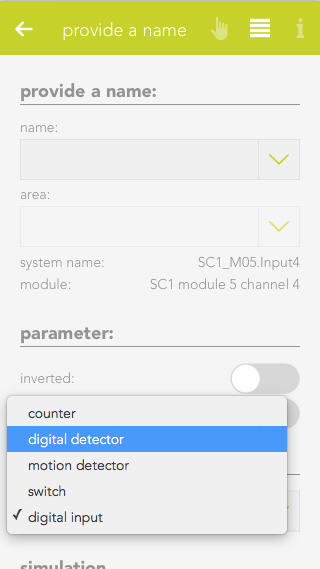
This are pre configured settings for different use cases. Each one comes with a predefined notification text, settings and specific icon.
Alarm after
Defines the timespan for which a signal has to be active on the digital input to trigger an alarm.
Notification
Here you can choose to receive a notification once an alarm gets triggered.
Notification text
Set the text you want to see in the notification.
Alarm must be acknowledged
If this option is active, an active alarm has to be manually terminated instead of ending once the input signal stops.
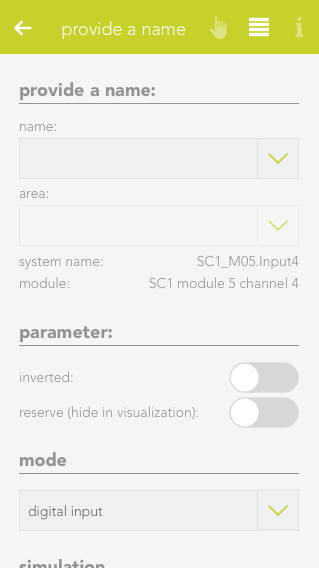
Reserve (hide in visualization)
Once active, the Detector will be hidden in the visualization.