
Create
The following steps are required to set up the Schrack Smart Building Automation weather station.
Mounting
Mount the weather station according to the documentation. Pay attention to the specified orientation and required mounting distances.
Connecting
Connect the 2-wire bus cable of the weather station to a Schrack Smart Building Automation controller, such as the "iX800" or "iX840".
Ensure the correct polarity of connections A and B. J-Y(ST)Y 2 × 2 × 0.8 is recommended as the cable.
The weather station must be connected to the rightmost RS485 interface of the controller in order to be detected by the system.
Power supply
Supply the weather station with power according to the documentation.
Add
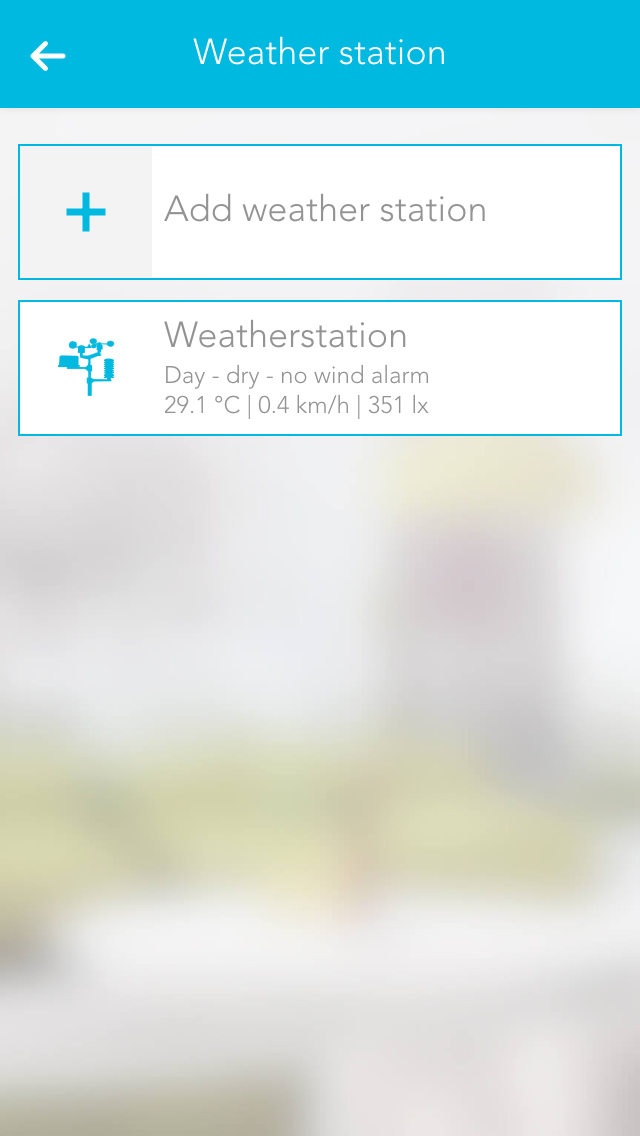
Add a new weather station in the app. If installed correctly, a connection is established automatically. The weather data is then updated once per second.
Note: Only one weather station can be operated per Schrack Smart Building Automation controller.
Note: The weather station must be connected to the rightmost RS485 interface of the controller.