
Configuration
To configure the camera correctly, the camera's IP address must be entered in the browser.
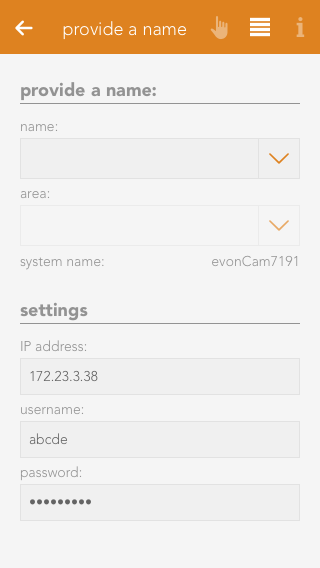
If the camera was automatically detected and added as described in the create section, no further configuration is required.
For manual integration, for example if the camera could not be found automatically within the network, the required settings can be entered or changed at any time in the camera's Parameter Panel.
The settings may also need to be adjusted if the default username or password has been changed or if the IP address changes.
If the camera credentials (username/password) are changed via its web interface, the app or browser may request the new credentials.
In this case, the new credentials must also be updated in the camera's Parameter Panel. Otherwise, the credentials may be requested repeatedly.
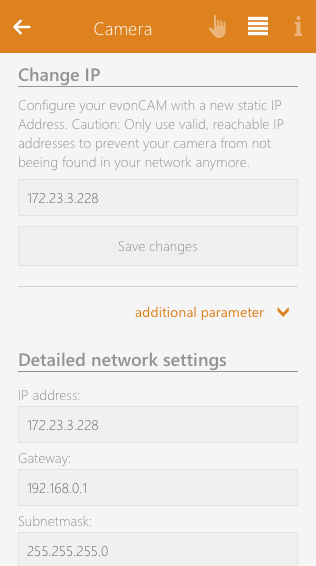
A specific static IP address can also be assigned to the camera. When this setting is changed, the new network configuration is transferred to the camera. The camera then restarts with the new configuration.
When the IP address is changed, other relevant network settings, such as the gateway and subnet mask, are taken from the current network configuration of the Smart Building Automation System. For individual configuration of these settings, an advanced form is available under “Additional Parameters”.