
Create
To create a "detector", a Schrack Smart Building Automation digital module, like the "D1180" or "D1344", with a digital input is required. Then, follow these steps:
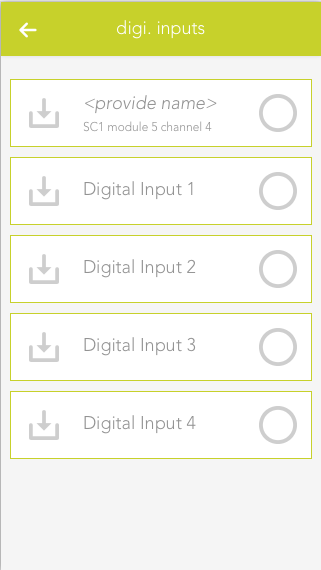
Open the 'digital inputs' app under 'all apps'.
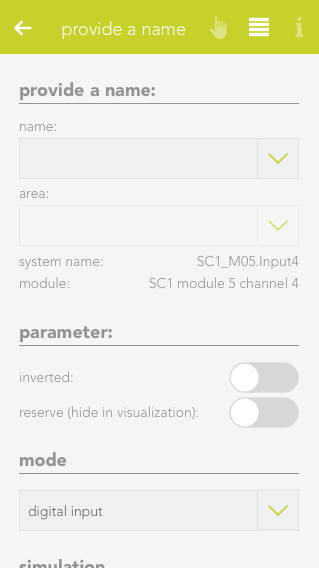
Select the digital input that will be used as a detector.
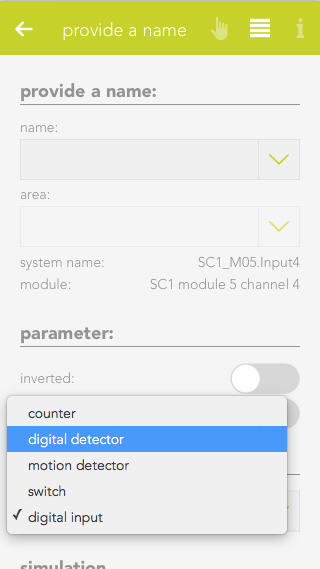
Open the settings of the selected digital input and set the mode to 'detector'.
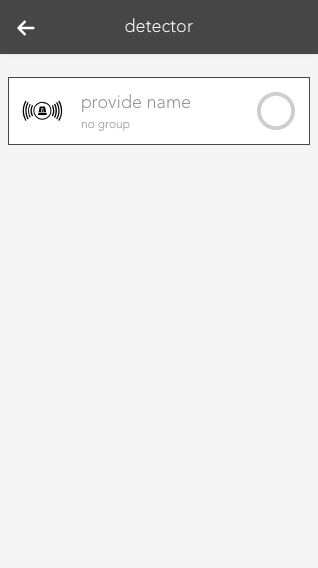
The digital input is now configured as a detector and is listed in the 'detector' app.