
Logout
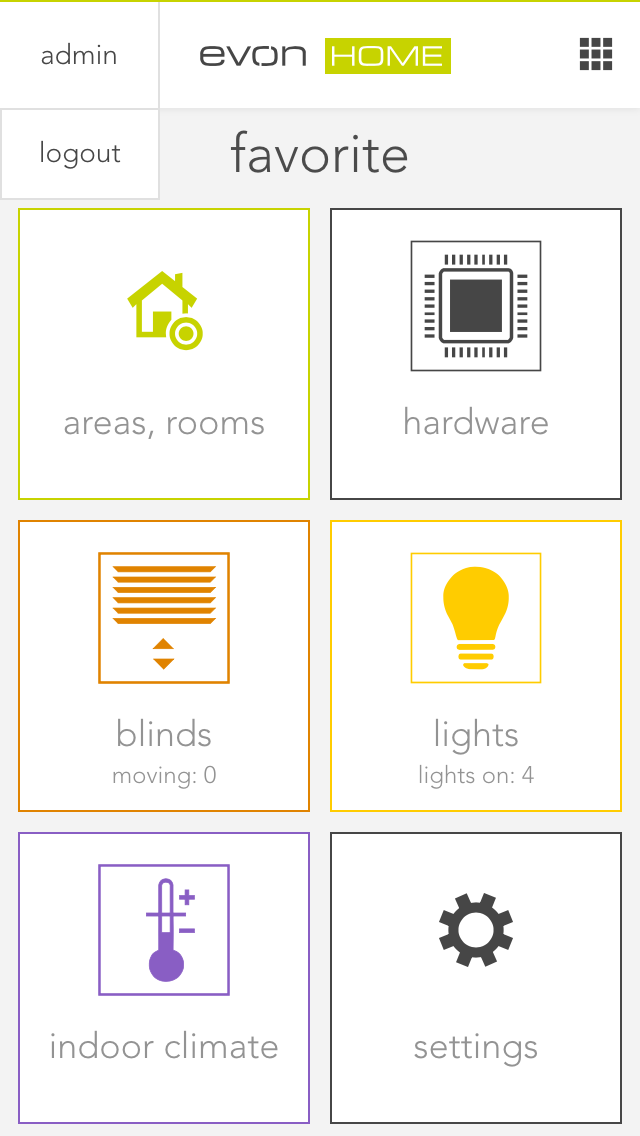
Return to the main screen. The currently logged-in username is displayed in the upper-left corner. Select the username to display the logout button, then use this button to log out.
After logging out, the start screen of the Smart Building Automation app is displayed, showing a list of all previously connected systems.