
Operation
Before Sonos speakers can be integrated into the Smart Building Automation system, they must first be set up using the official Sonos software available here.
Open the Sonos software and start "Sonos setup". Select "Next" and then "Set up new system". Select how the speakers should be connected and follow the remaining setup steps.
Once the setup is complete, the Sonos speakers can be integrated into the Smart Building Automation system. To do this, select "Add new Sonos" in the "Sonos" app. A window opens and displays all available Sonos speakers. Select the Sonos speaker to be added.
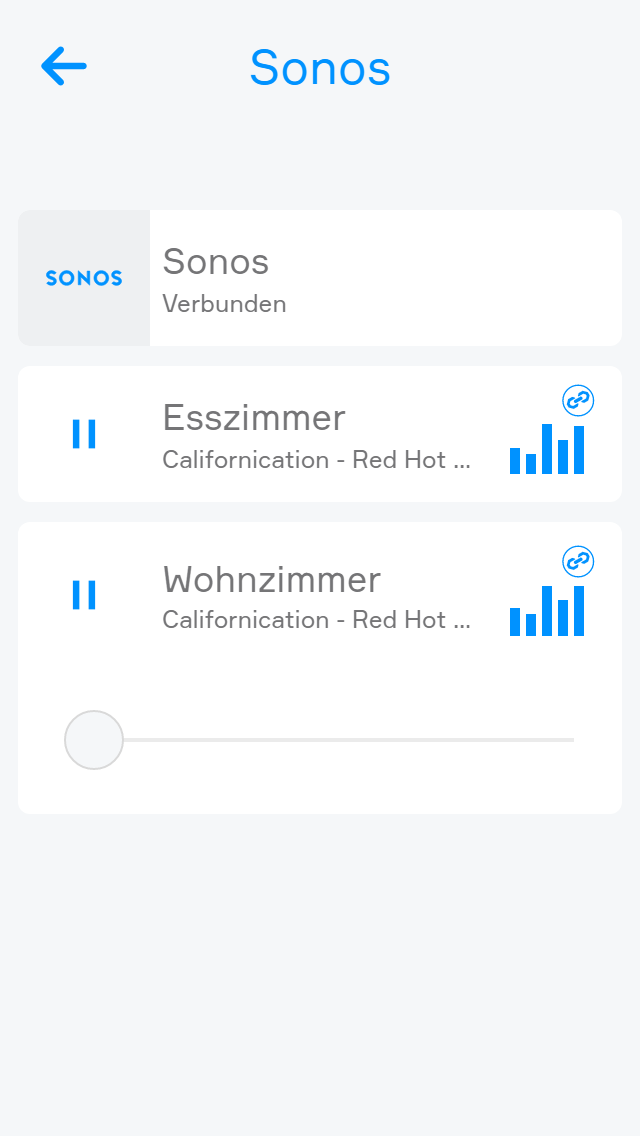
Playback can be started or paused using the play and pause symbols in the ObjectPanel or OperatorPanel. The volume can be adjusted using the "+" and "-" buttons in the ParameterPanel or via the slider.
"Favourites" displays the programs and music stored as favourites in Sonos. To add programs or music to the favourites, use the official Sonos software.
A program or music title can also be stored as a favourite using the heart symbol on the right-hand side of the corresponding entry in the OperatorPanel.