
Time
The "Time" section displays the current date and time of the Smart Building Automation controller (server time), the configured time zone, and the time of the device currently connected to the system (e.g. smartphone or tablet).
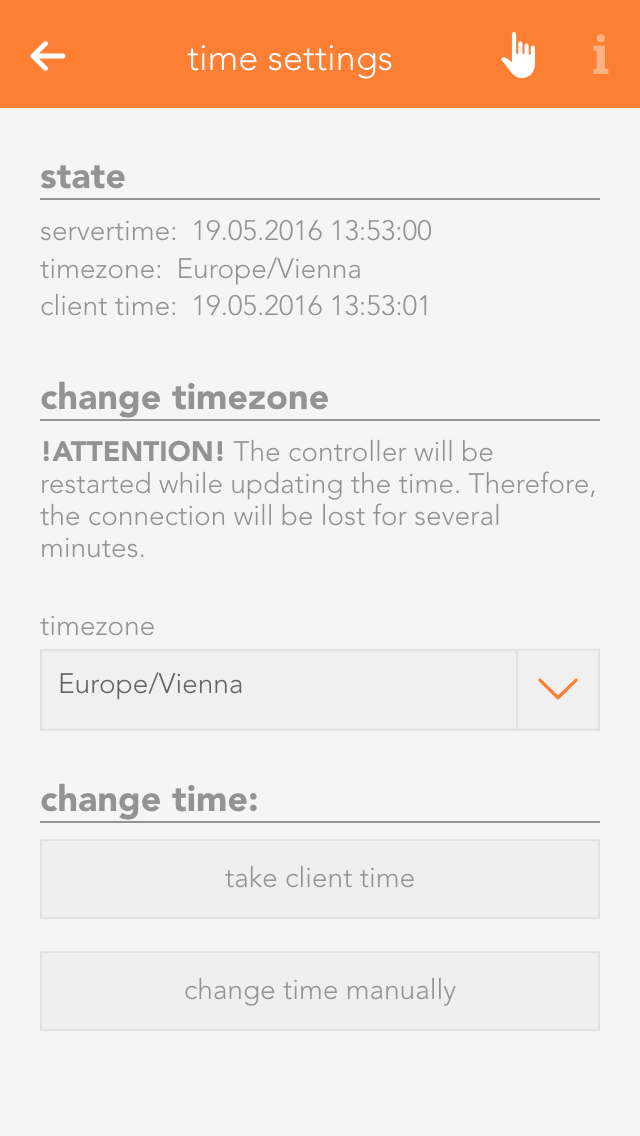
Under "Time zone", you can select the time zone used by the controller. The "Set time" section allows you to adjust the controller time. Select "Use client time" to apply the date and time of the currently connected device (e.g. smartphone or tablet) to the controller. "Set time manually" allows you to enter the date and time for the controller manually.