
Connect
Select "New" to create a new connection. An overview of the available connection types is then displayed.
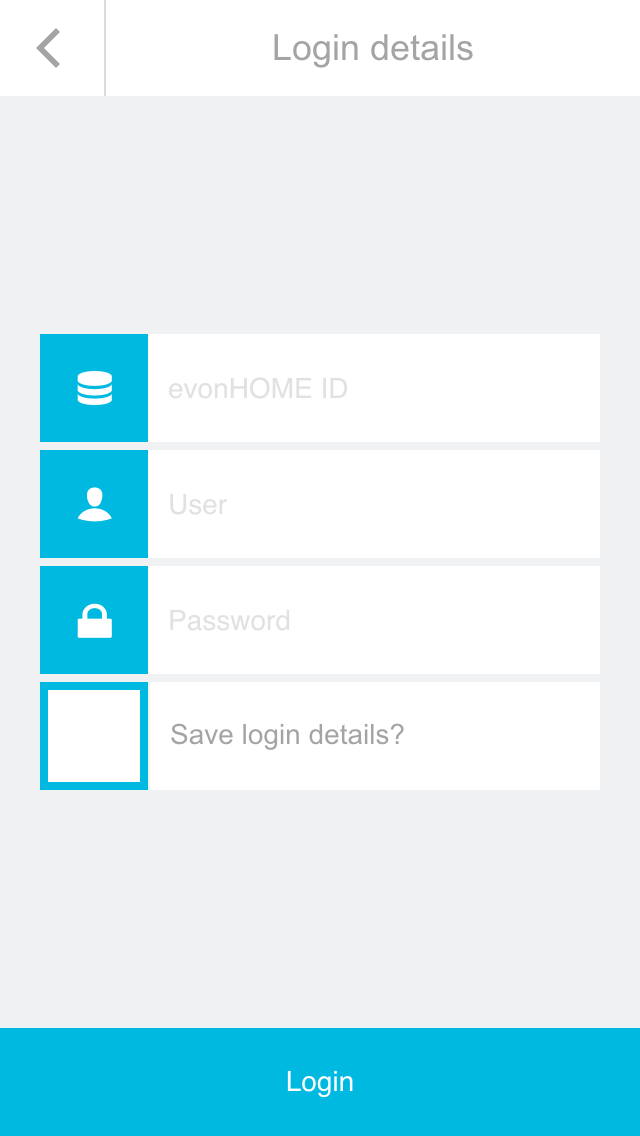
Select "Internet" as the connection type. On the next screen, enter the Smart Building Automation ID together with your username and password. Then use the button at the bottom of the screen to establish the connection.
Once the connection to the Smart Building Automation system via external access has been established successfully, it is displayed on the start page of the app. From there, the connection can be selected again at any time.
Establishing the first external connection to the Smart Building Automation system may take some time. Once the connection has been established, wait until all data has been loaded before closing the app.