
WiFi Connection
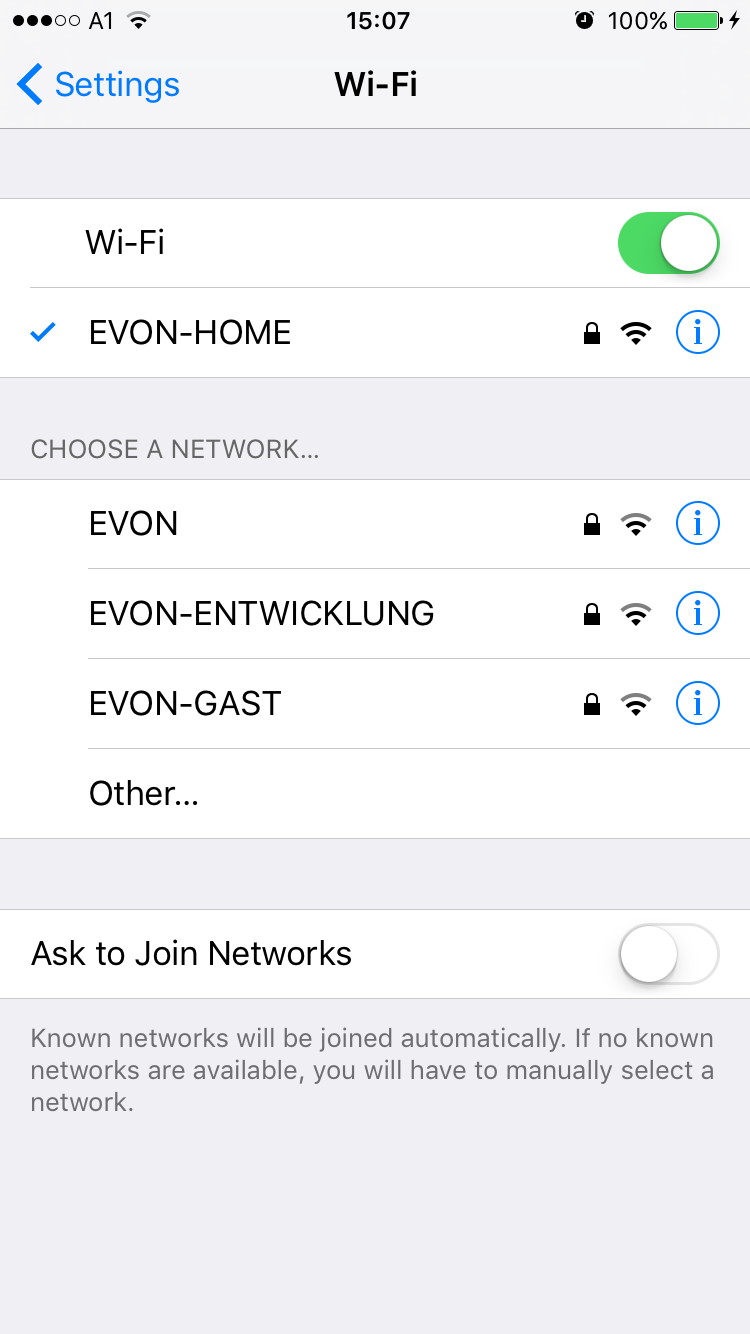
Before opening the Smart Building Automation app, make sure that your device is connected to the same network as the Smart Building Automation controller. Open the Wi-Fi settings on your device and check the currently selected network or connect to the correct one.
When the Smart Building Automation controller is started for the first time and does not receive a valid IP address via DHCP after several attempts, it automatically switches to the following static network configuration:
IP address: 192.168.50.50
Subnet mask: 255.255.0.0
When using a Wi-Fi dongle to connect to the Smart Building Automation system, the controller always uses the IP address 192.168.192.1.