
Start Search
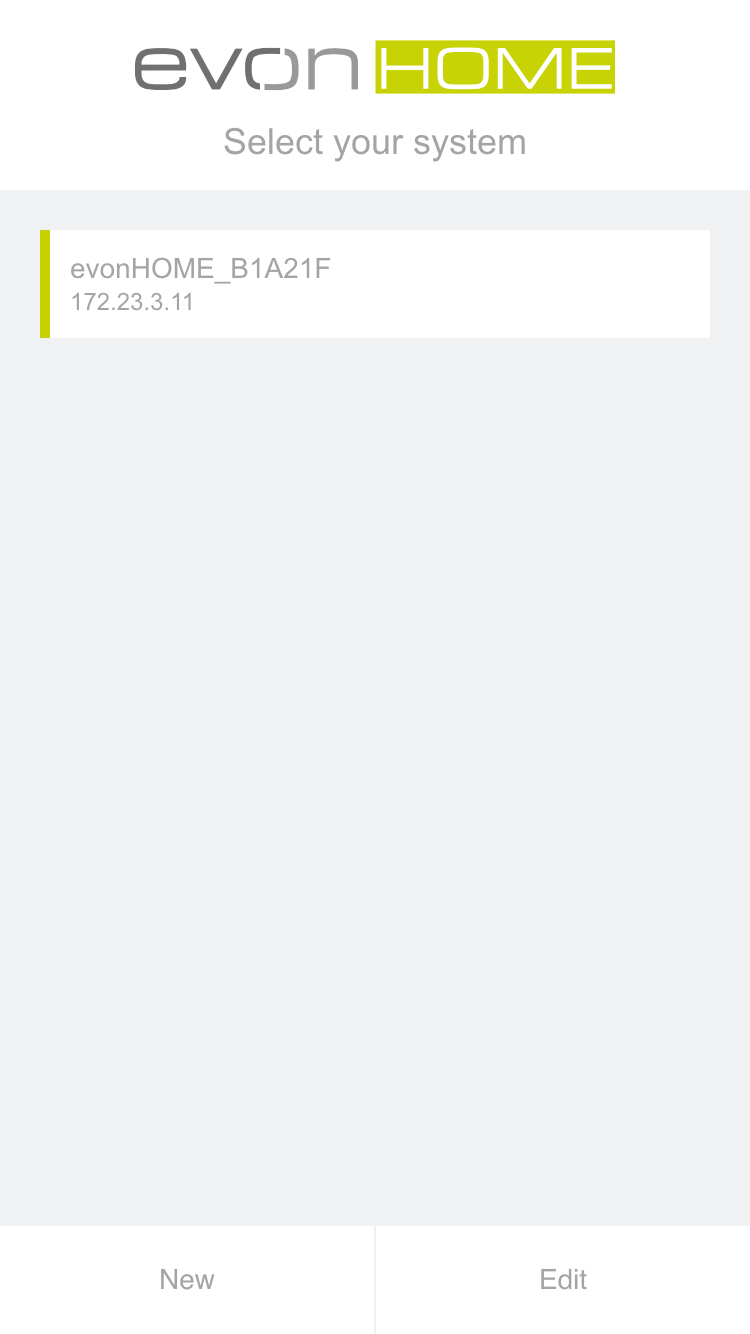
The Smart Building Automation app now searches for available systems in the network. As soon as one or more systems are found, they are displayed together with their assigned IP addresses.
A new system is initially displayed with its default name, consisting of "Smart Building Automation" and a unique identification number (e.g. "Smart Building Automation_1234AB9"). The system name can be changed later.
After selecting the Smart Building Automation system, the login page is displayed.